Design around what it must fit
Define dimensions, mounting holes, moving parts, and the gaps between them. Use circuit-board exports to place an enclosure around its board and components.
A workspace that brings together providers, project memory, files, plans, and tools for modeling, coding, research, and other project work.
Installer downloads are temporarily unavailable
Start with an idea, a drawing, or an existing part. Develop its shape and dimensions through conversation, sketches, and a model you can rotate and inspect.
Check the model and review the prepared print before sending it to a supported printer.
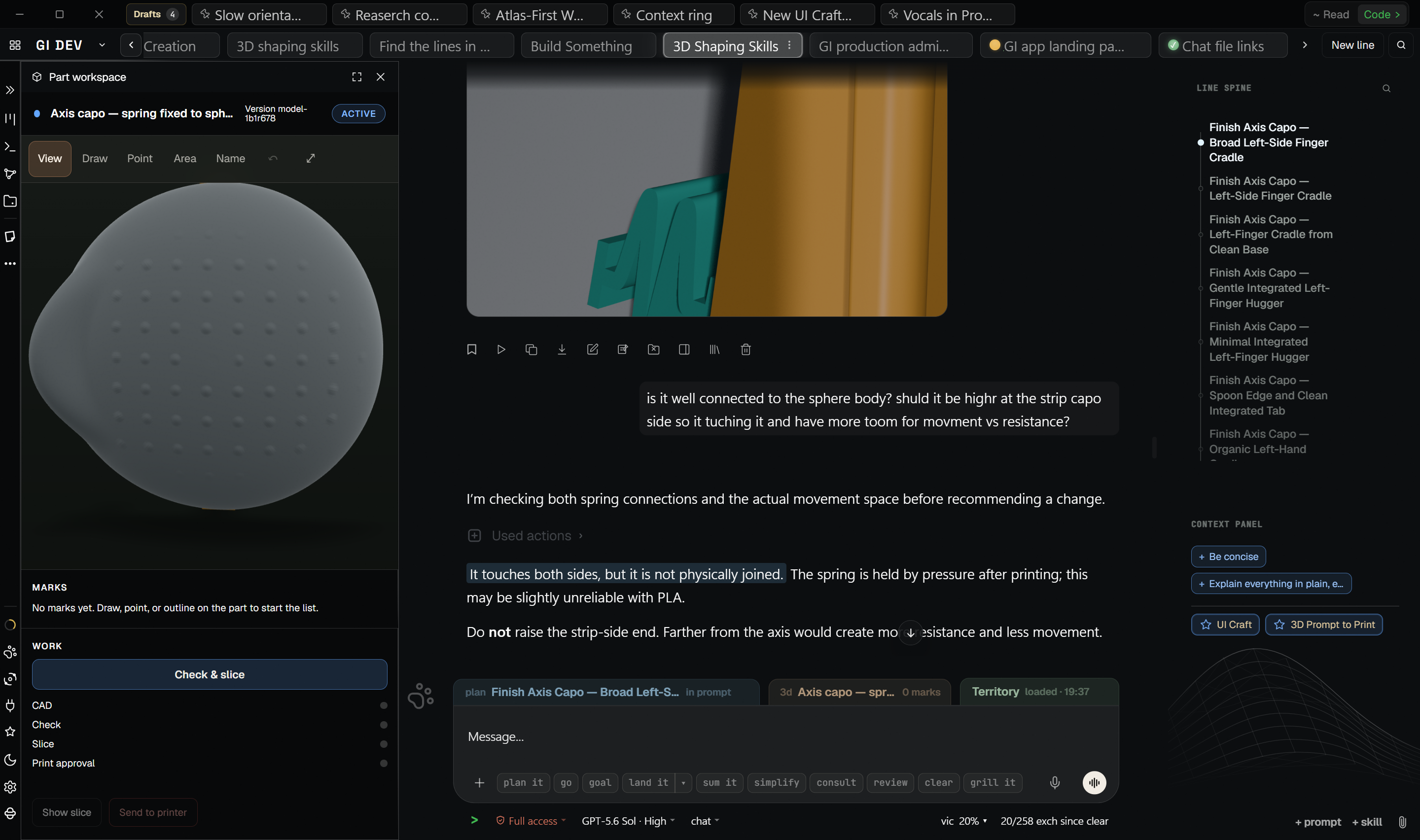
Define dimensions, mounting holes, moving parts, and the gaps between them. Use circuit-board exports to place an enclosure around its board and components.
Adjust selected areas while keeping agreed features fixed. For measured engineering parts, check that protected dimensions and surfaces stayed unchanged.
Review the actual model, mark an area, and compare alternatives. Keep each revision with its model, available source files, and design decisions.
Check dimensions, wall thickness, and clearance where parts meet or move. Review print preparation, then use the physical result to guide the next revision.
| Format | Use |
|---|---|
| STEP / STP | Open and measure engineering parts, make supported shape changes, and export STEP. |
| STL | Open, reshape, check, and export models for 3D printing. |
| GLB | Display and reshape 3D models; save updated GLB files. |
| 3MF | Export models for compatible printing software. |
| IDF EMN + EMP | Read board outlines, holes, component positions, and available heights for fitted enclosures. |
An imported STEP keeps the shape, not the original editing history. STL and GLB describe a surface; they do not carry the same precise editing controls as an engineering model.
Develop the software alongside the rest of the project, with its files, requirements, decisions, and plans in context.
Explore how the code is organized and which parts depend on each other. Trace a problem to the files involved before making a change.
Ask AI to implement a feature or fix a bug. Inspect the changes, run relevant tests, and review the result in the workspace.
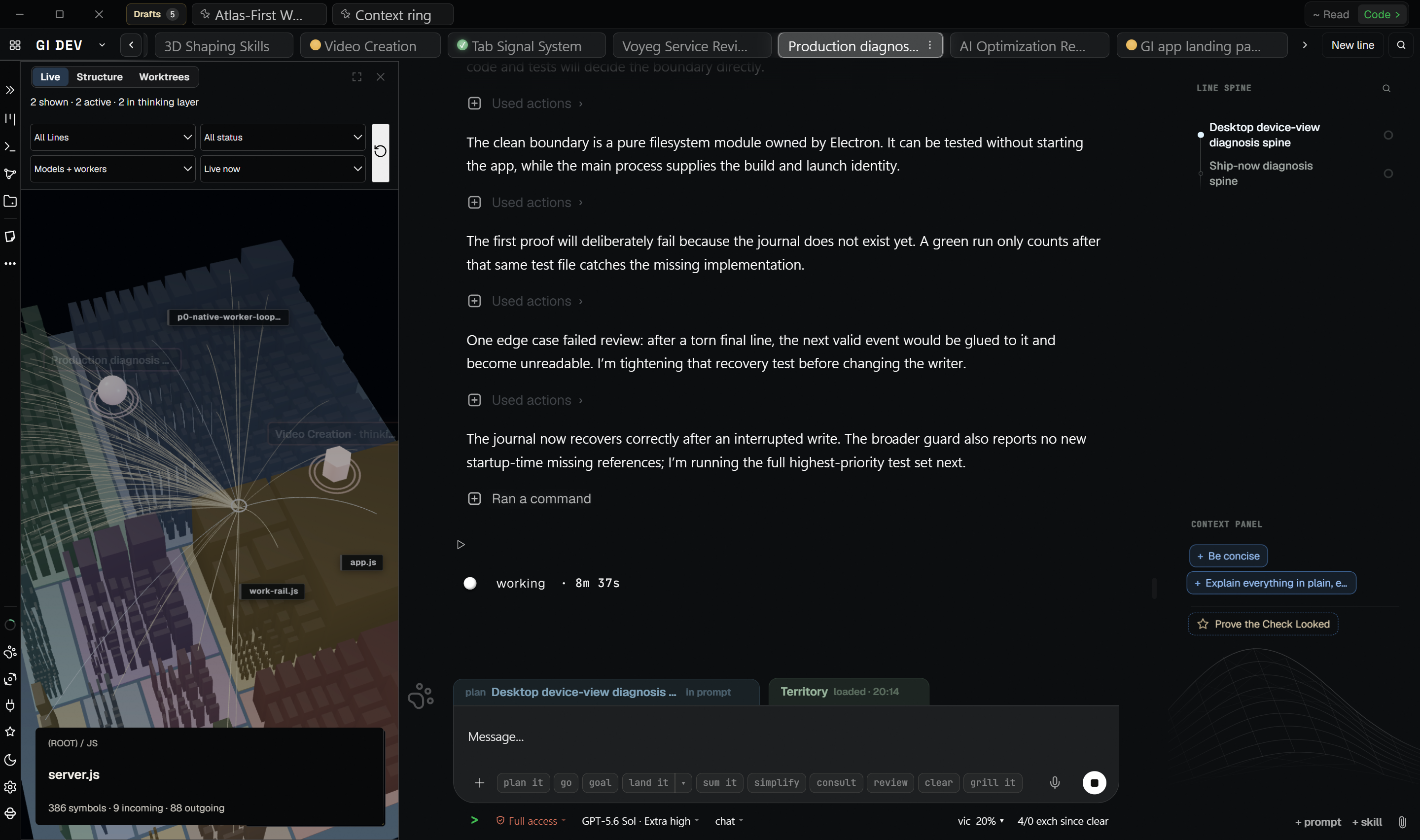
Split independent tasks across AI workers. Each works in its own branch and working copy, with a defined task and the context it needs.
See who is working on what, review completed changes, and combine accepted work in the project. Keep decisions and progress with the task.
Keep design requirements, model revisions, code, and supporting research in the same project. The software and the physical design share the decisions that guide the work.
GI brings relevant files, decisions, plans, conversations, and project history into the current work.
Project context is updated as the work changes, rather than maintained in a fixed context file.
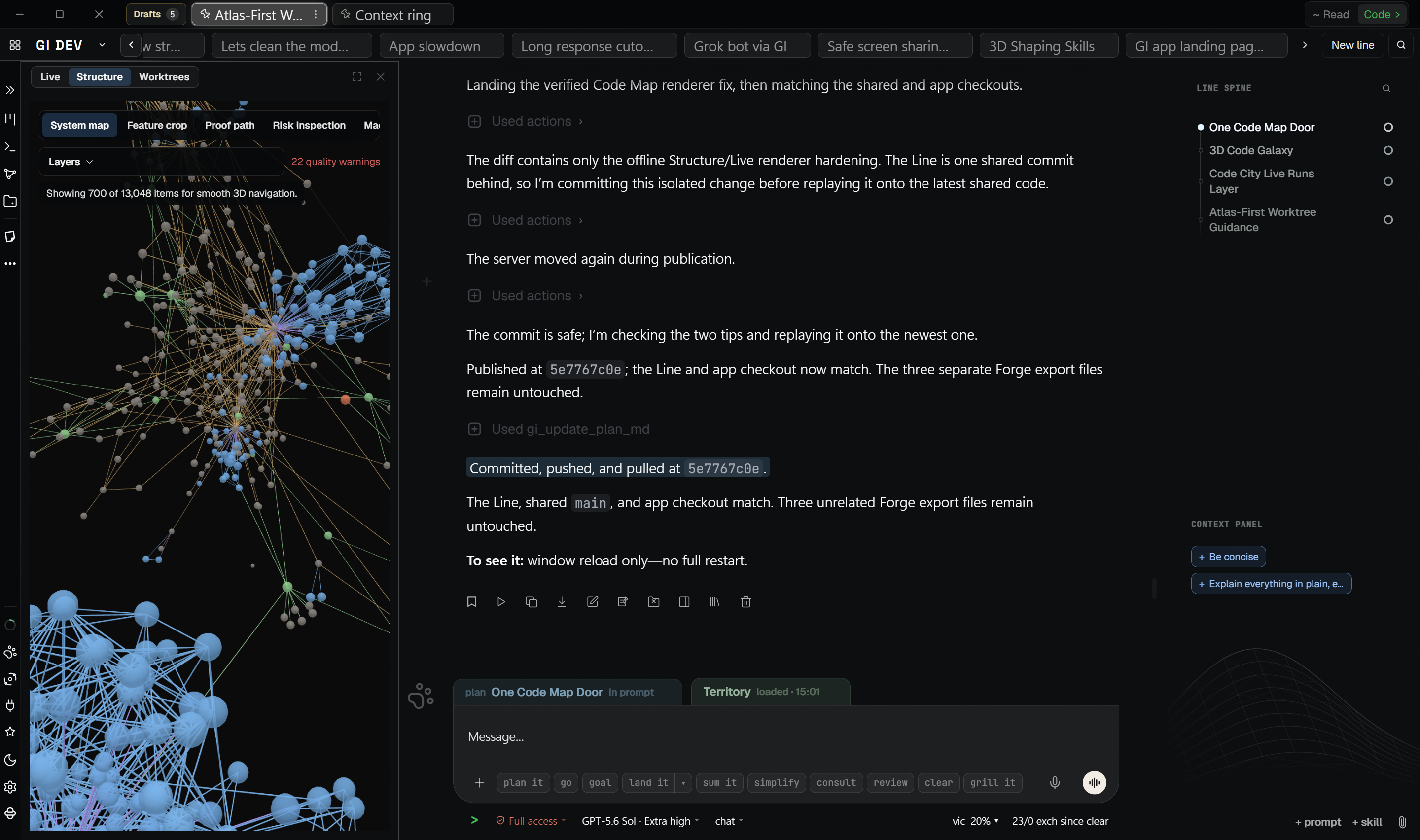
Dialect records what GI learns about how the code fits together: its names, relationships, patterns, and decisions. Verified understanding accumulates over time and can be used in later work.
Use Codex, Claude, Kimi, and Grok subscriptions with the same project memory and workflows.
Switch between providers or consult several on the same work. Project context and decisions remain available.
When you use AI, GI sends the selected provider the request and context needed for that work.
Develop a story, write the script, plan scenes and shots, create the media, and assemble the film.
Keep creative decisions, source material, and revisions with the work.
Ask questions about documents, notes, research, and project history. Answers draw on your sources, and findings can be carried into the project.
Work with code, decisions, plans, and project structure in context.
Keep the history of ongoing work available across sessions.
Keep projects, Lines, plans, sources, and progress visible in the workspace.
AI requests go to the selected provider with the context needed for the task. Sign-in, license checks, and payment may use GI services.
You choose the folders GI can work with.
Each connection belongs to Gravity Index and never adopts the login of another app or command-line tool.
Sign-in, license checks, and payment may use GI services.
We are preparing a corrected Windows and Linux build. No installer is available from this page right now. When downloads reopen, the beta offer remains: no card required, 14 days free, and no automatic charge. After the trial, you can choose whether to subscribe.
64-bit installer · Windows 10 or later
64-bit AppImage
When downloads reopen, downloading means you agree to the Terms of Service and Software License Agreement. Gravity Index is proprietary software and is not licensed for copying or redistribution.